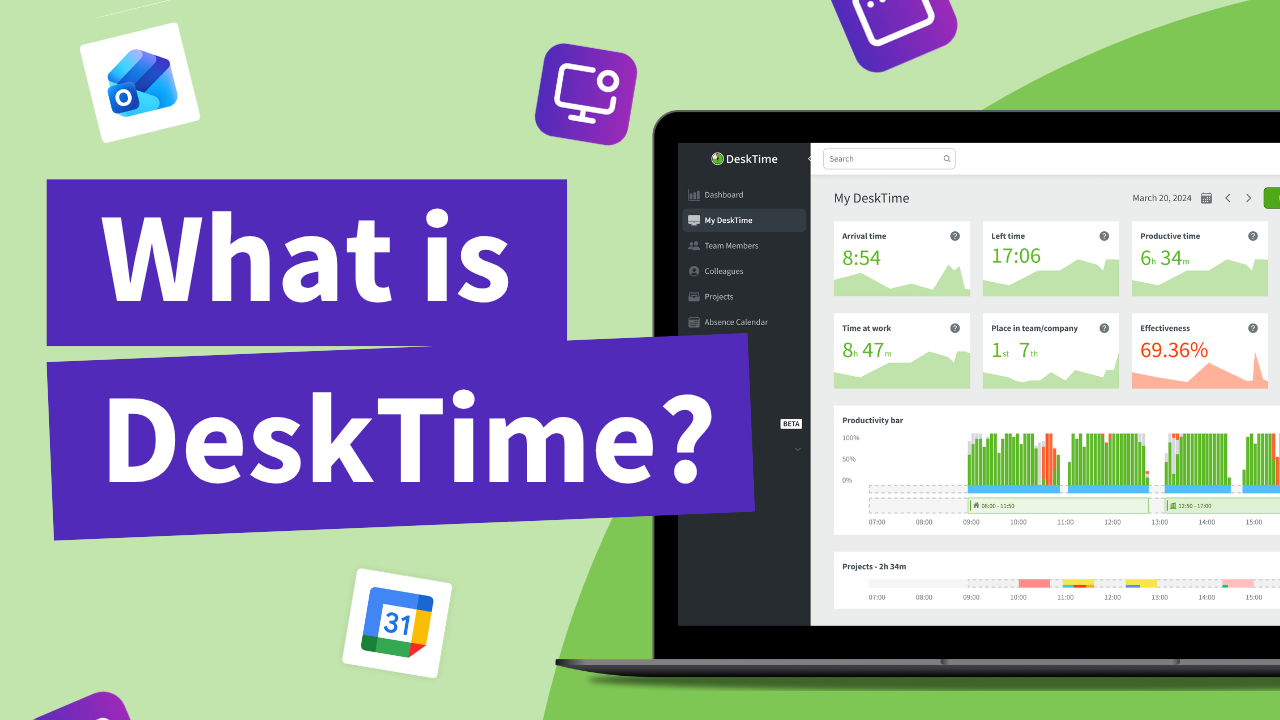
DeskTime features to help your team work more effectively
Explore how our time tracking features boost productivity, streamline work, and save time and money. No matter your team size or setup, DeskTime adapts to your workflow with ease.
Time tracking
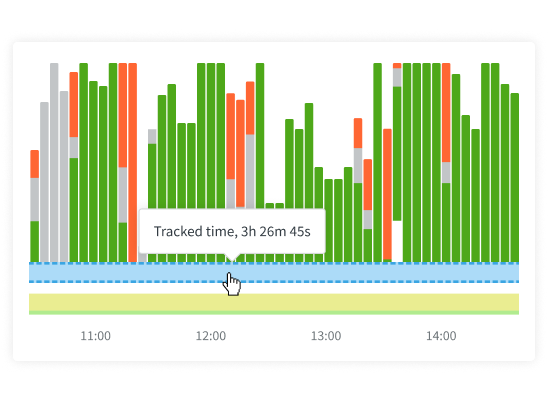
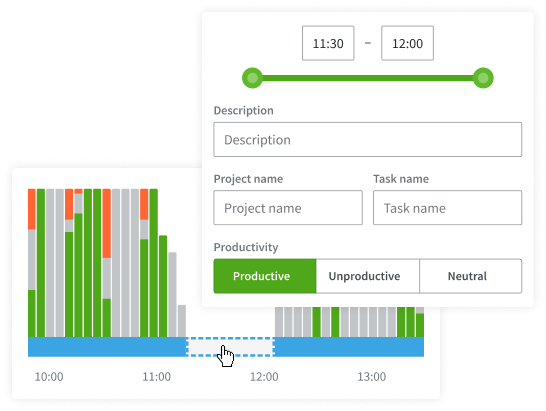
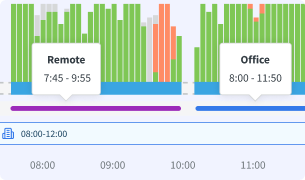
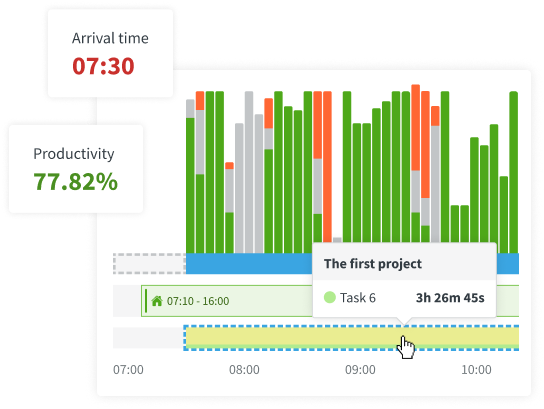
The very basics of what DeskTime is all about – precise tracking of work hours, clock in and out times, and breaks.
Performance evaluation
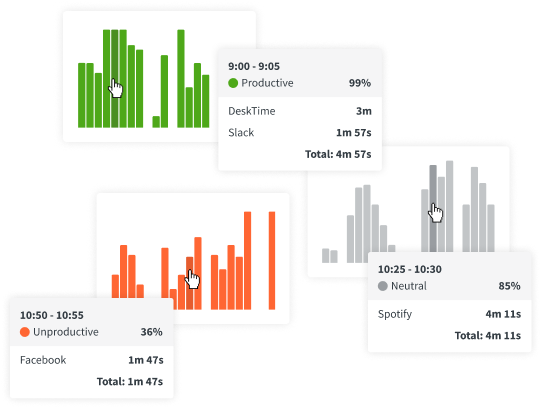
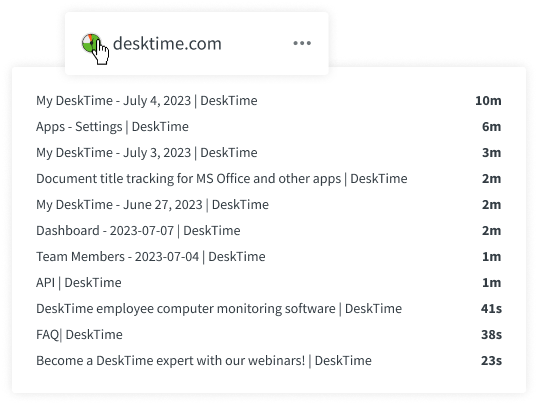
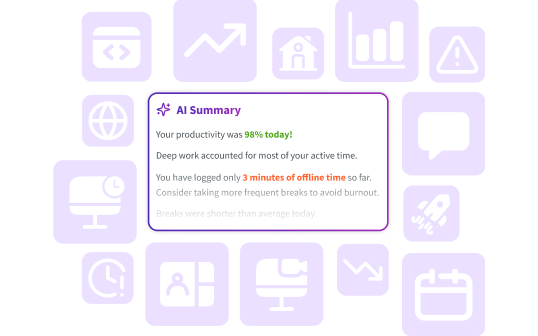
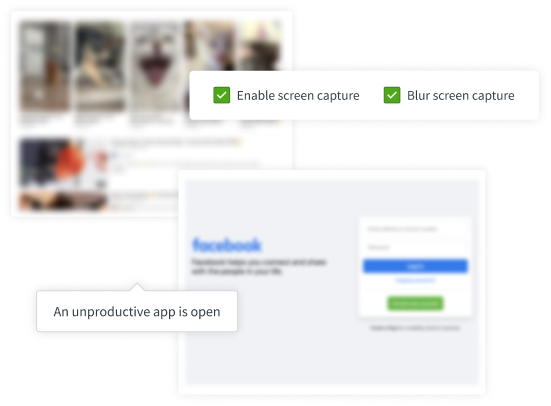
Take a deeper dive into the tracked time data by looking at not just how long your team members were working but also what exactly they were doing.
Reporting
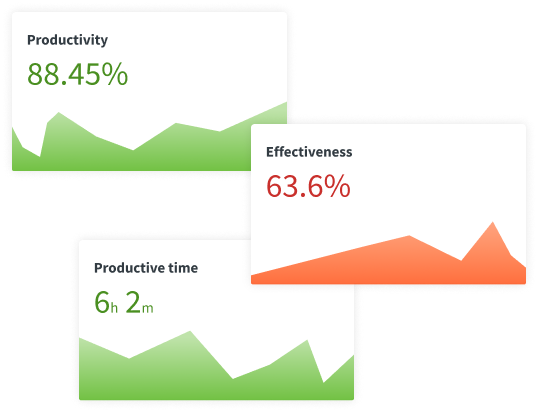
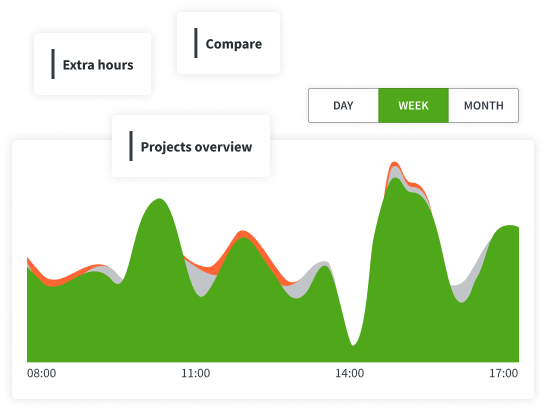
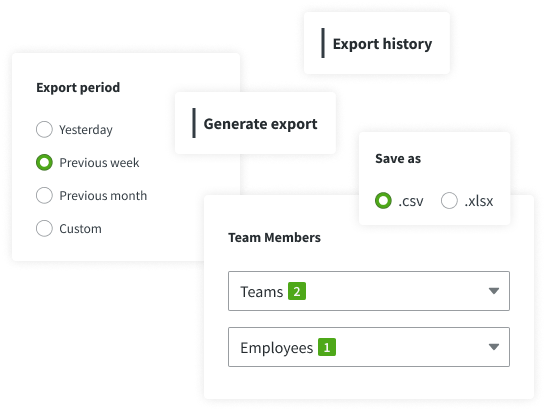
In-depth information about your team's tracked time. Explore it in detail, compare performance over time or across departments, and download the data for your archives. Built to support day-to-day management and high-level decision-making.
Scheduling
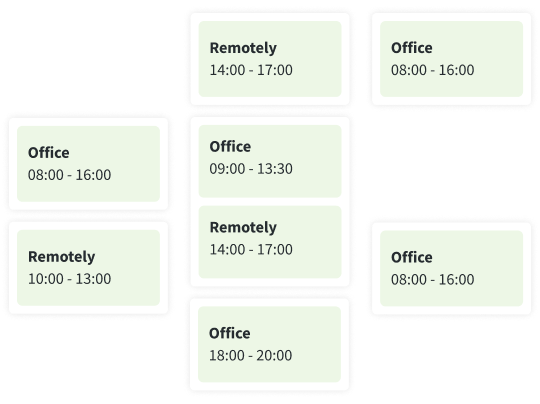
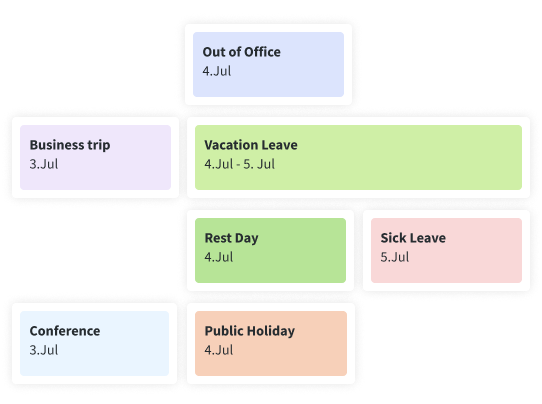
Streamline your team management by using DeskTime features to organize your team's work hours and oversee absences.
Extra features
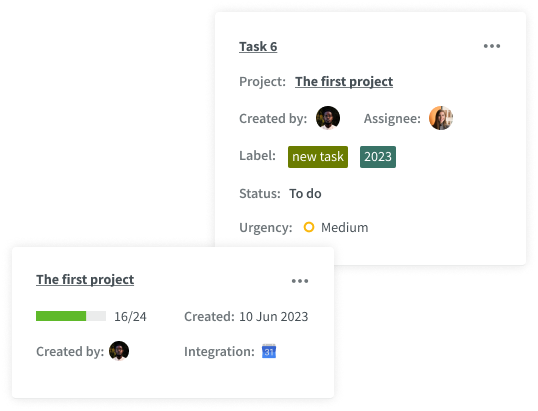
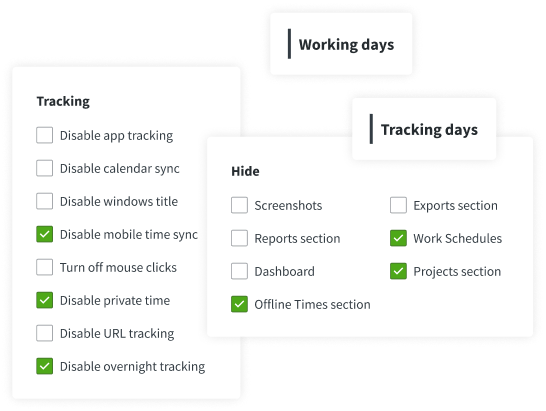
Gain additional insights into your team's performance and make sure that DeskTime is set up in the way that works best for your team's needs.
Don’t take our word for it
Want to hear from our users? Discover their reviews on G2.
How DeskTime works
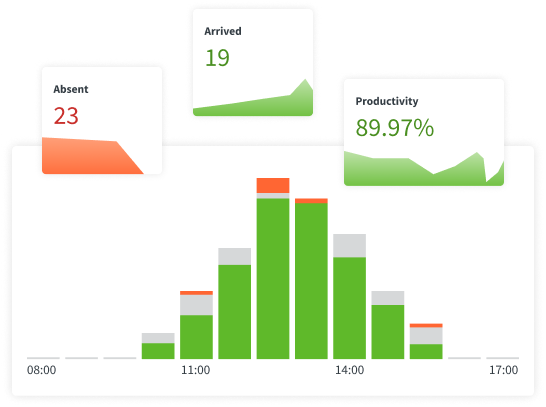
With DeskTime, you can see your employees' arrival and departure times, analyze their productivity, schedule shifts, oversee absences, maintain a healthy work-life balance, keep track of specific projects, and more.
Highly rated and globally trusted
Frequently asked questions about time tracking features
Try free for 14 days. No credit card required.
Forget manual entries and distractions. With DeskTime, time tracking runs on autopilot—zero effort needed.